
Student Panel
Login to Student Panel through Your SCHOOL WEBSITE . This is Demo URL http://school.shiningsoftech.com/site/userlogin. If student belongs to multiple classes then he can switch class from top right corner Class Switcher. Student Panel has 13 sections -
- My Profile
- Fees
- Class Timetable
- Homework
- Online Exam
- Apply Leave
- Download Center
- Attendance
- Notice Board
- Teachers Review
- Library Books
- Transport Routes
- Hostel Rooms
- My Profile- after login student can see their complete profile including fees, exams & documents

- Fees- student can see their fees details and if online payment gateway is enabled then student can pay their online fees from here.

- Class Timetable- student can see their weekly class timetable here

- Homework- student can see their class homework here

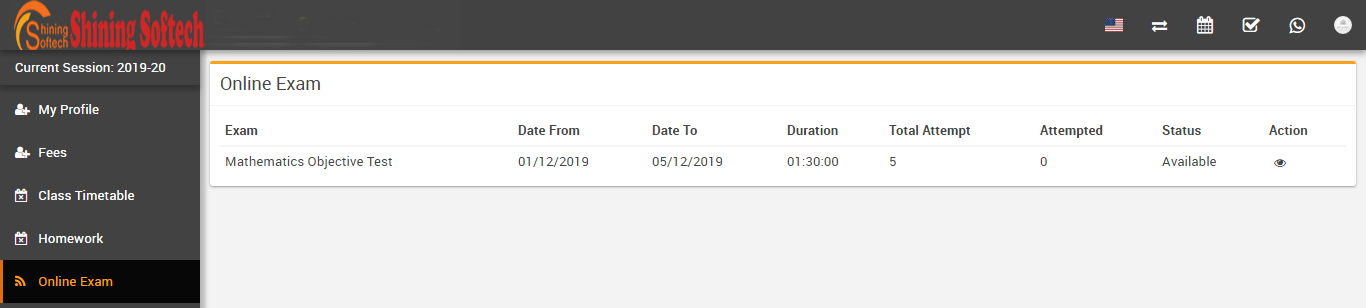
- Online Exam- student can take available online exams here


- Apply Leave- student can apply leave and check their applied leave status here

- Download Center- student can download Assignments, Study Material, Syllabus & Other Download content here

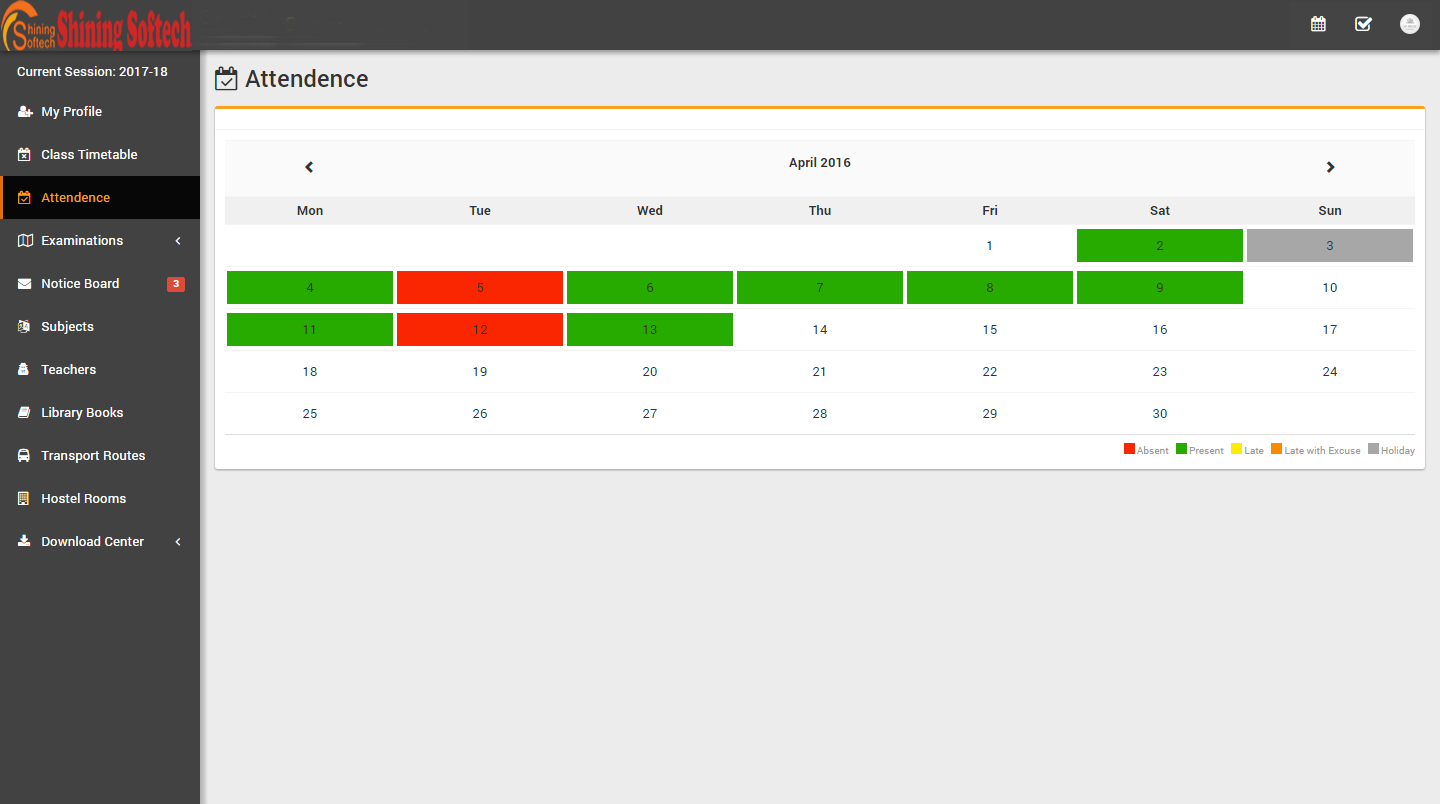
- Attendance- student can see their monthly attendance here
- Notice Board- student can see their messages sent by Admin & Teachers

- Teachers Review- student can rate and review their teachers

- Subjects- student can see their study subjects here

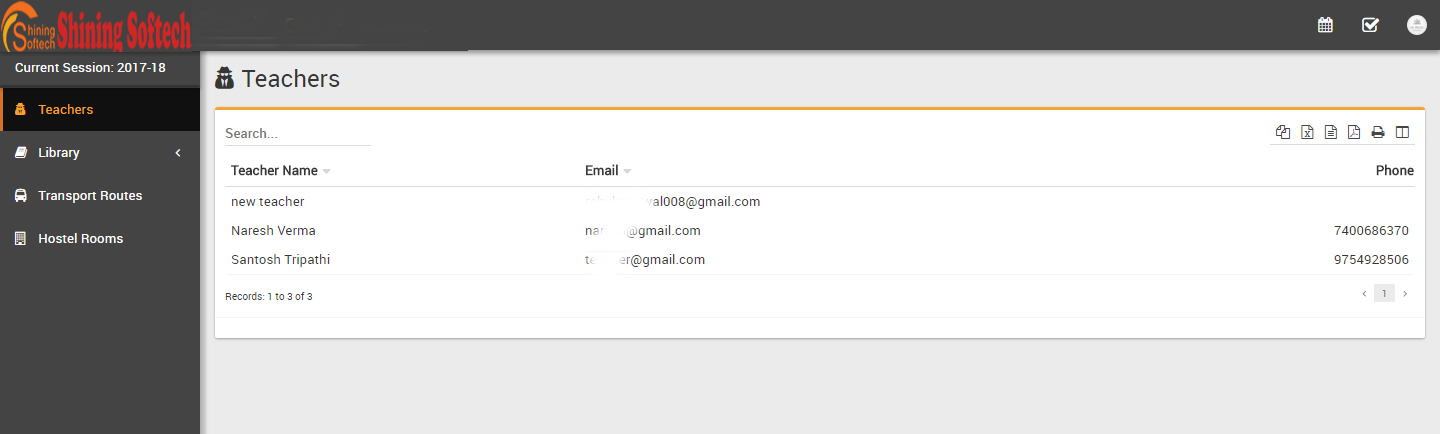
- Teachers- student can see all teachers list here
- Library > Books- student can see all books & their status here

- Library > Book Issued- student can see all their issued books & their status here
- Transport Routes- student can see all transport routes list here


- Hostel Rooms- student can see all hostel rooms details here

Parent Panel
Login to Parent Panel through Your SCHOOL WEBSITE . This is Demo URL http://school.shiningsoftech.com/site/userlogin Click Here. Parent Panel is almost similar to student panel but with one differences listed below-
- Parent can see their all children details at once in their Parent Panel
